Hello,
I’ve noticed a display difference for Relation type attributes in a multi-board context.
More specifically, when a Relation attribute from Board A opens a record from Board B — which itself contains other relations — the form displayed is not identical to the one shown when opening the same record directly from Board B.
Here’s the observed behavior:
-
Direct opening from Board B
➝ The form respects the configured settings. -
Opening via a Relation from Board A
➝ The display differs only for Relation type attributes.
➝ For example, in my case, the Stake field (expected in Table view) does not appear and is replaced by a Color field. -
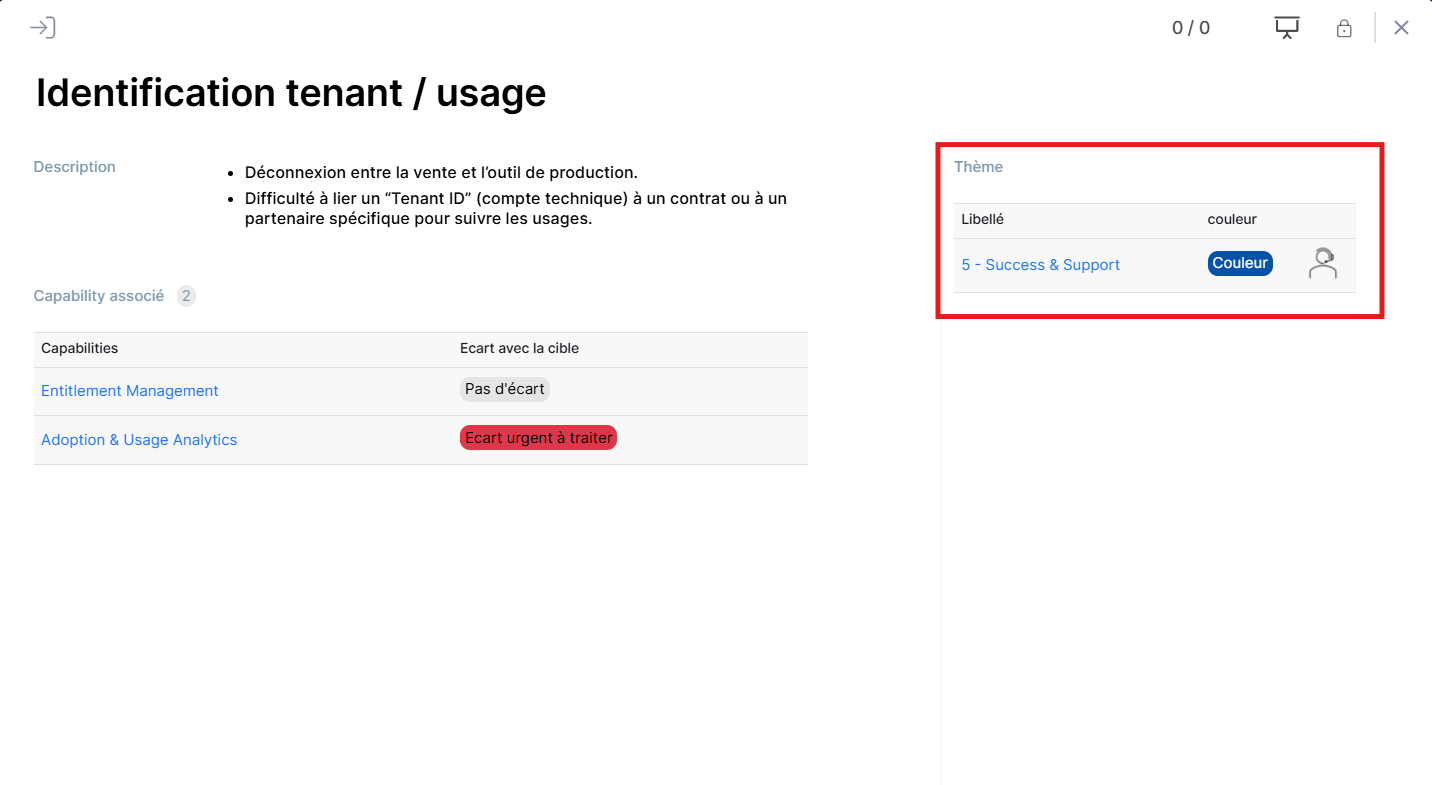
Expected Relation Settings:
-
Display mode: Table view
-
Visible attributes: Label and Stake
Can you confirm if there’s a specific particularity or setting to apply in this type of multi-board configuration?
Thank you in advance for your insights.
