Hello
Quick and harmless bug on the background of Portal
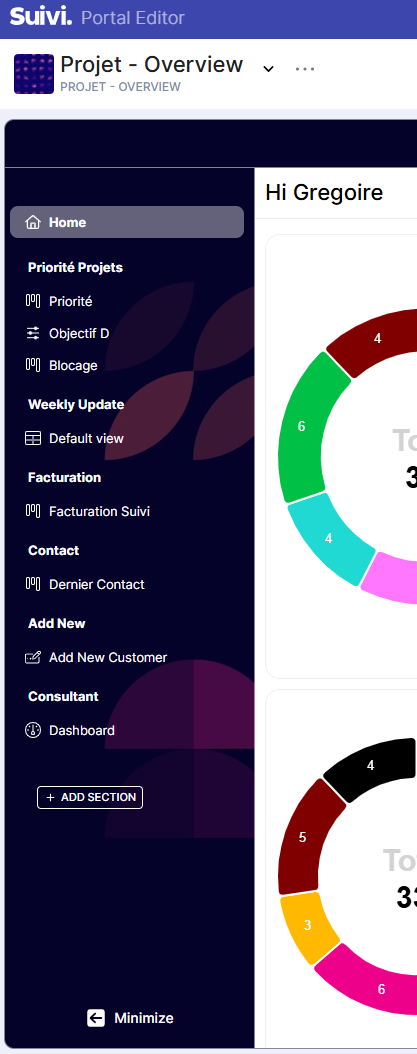
If I launch my portal from the classic interface I have normal color
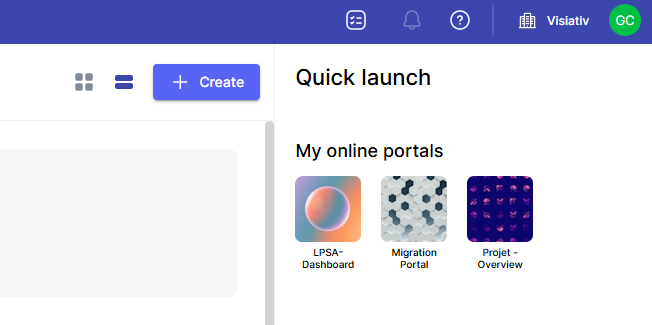
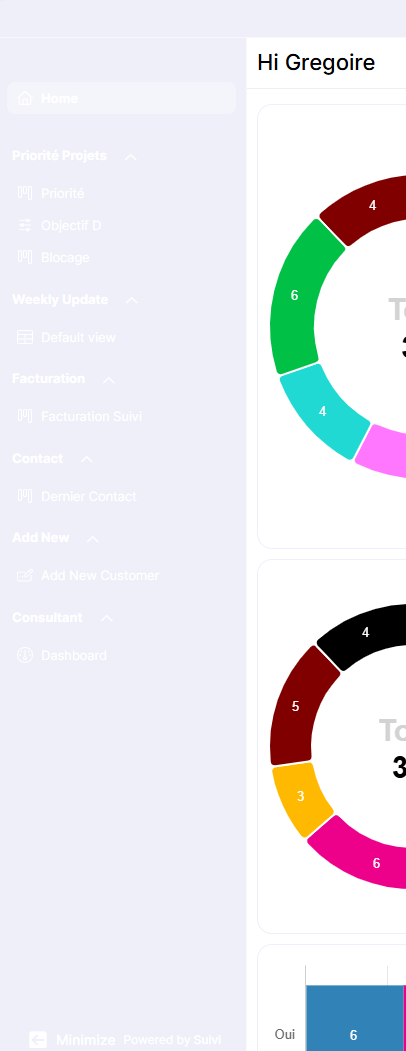
However, If I do open it from Quick Launch I have a washed up pastel background.
Normal Behaviour via Normal Launch :
Not normal behaviour via Quick Launch
As there is a workaround not a critical bug
Thank you very much for your feedback @gregoire_clouvel
We had identified it and it will be corrected as soon as possible.
The workaround for the community: go back into the portal settings to a solid background configuration (light or dark), then optionally choose again to switch back to the image if it’s more aesthetic.
Bug  #232202
Hello
Thanks for the update
As an extra information I noticed it does not go to the same URL when I use the first and the second method
Kind regards
What you call the “normal launch” is actually the “edit” mode of the portal. It allows building the portal: its homepage, its menu with pages and views, roles, etc. It is used for people invited to the portal with an “administrator” role.
What you call the “quick launch” is actually the “published” portal, usable by any user invited to the portal with a “business” role.
The URLs for these two modes are necessarily distinct to differentiate the functionalities and associated rights. It must always be kept in mind that users with a business role only see the published portal.