Hello there,
I have found a potential bug. When I have a view that is wider than my screen, i normally have a scrolling bar at the bottom. However, when I enter any data from the view, the scrolling bar disappears and I can no longer easily access all the fields. I need to reload the page to make the scrolling bar reappear.
Unfortunately, I cannot upload a video, but I try through screenshots:
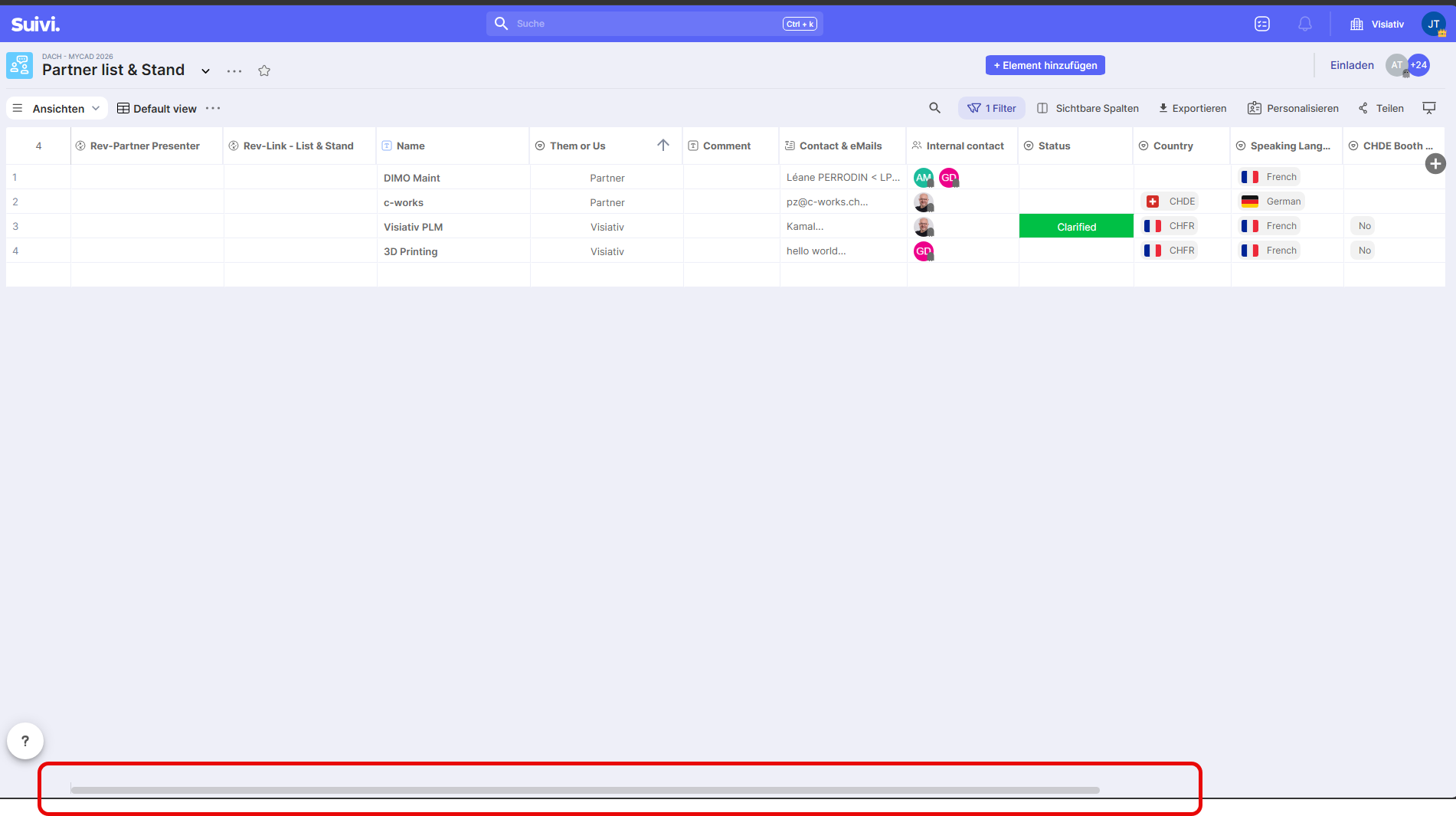
First, scrolling bar present and working
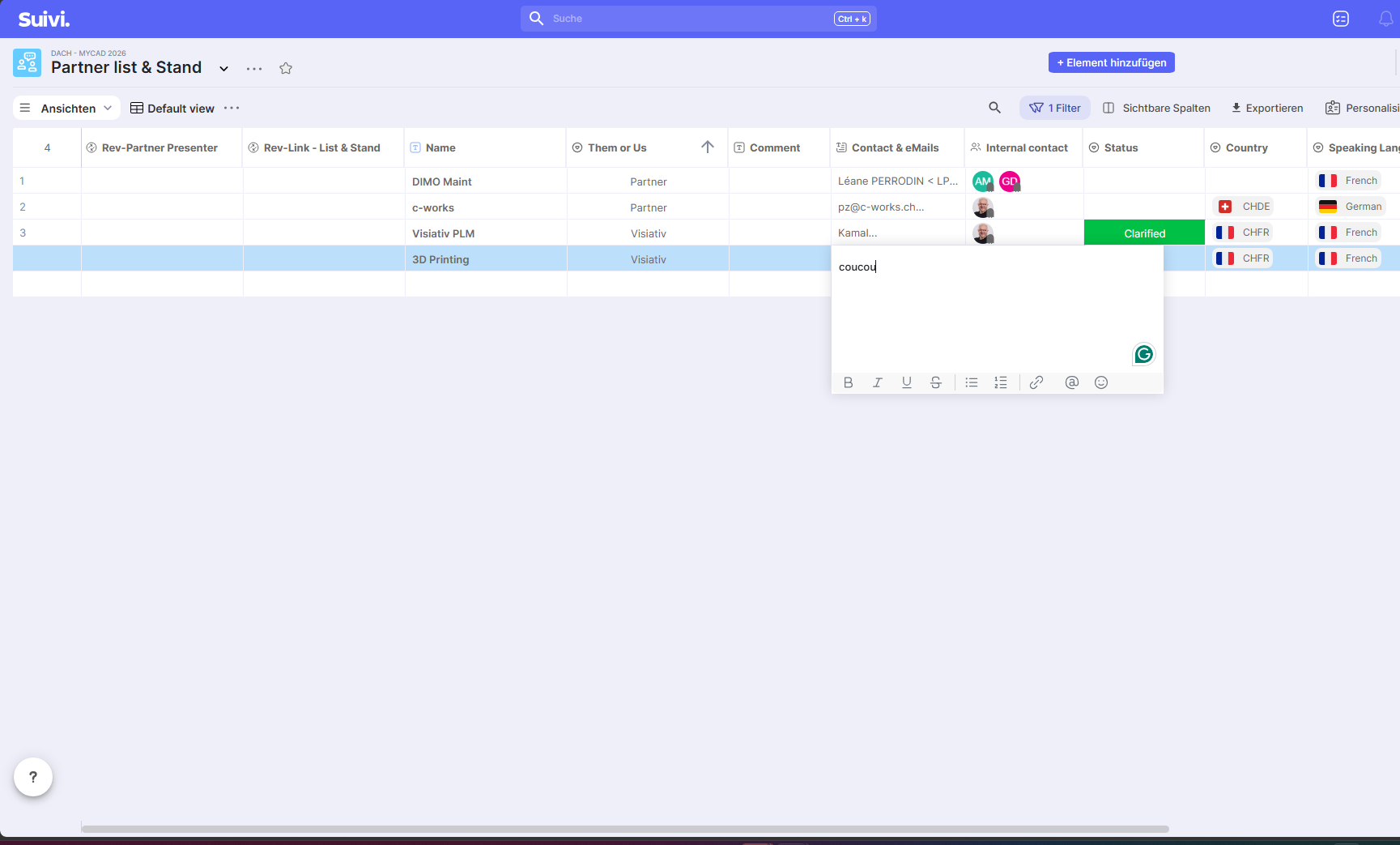
I enter any data and click outside the field to save it
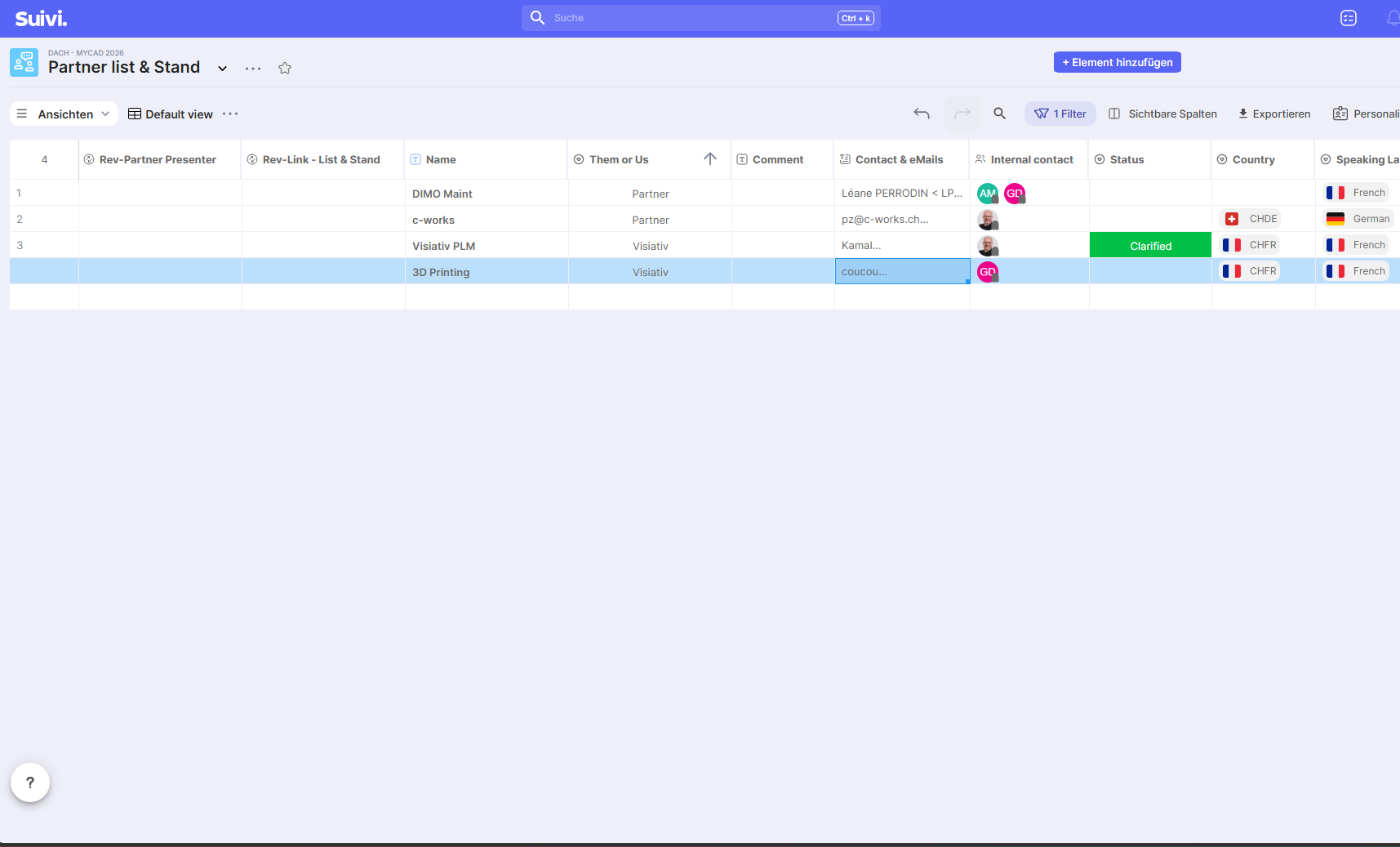
Result: Scrolling bar disappears
Hello Judith,
Thanks for your screenshots, they helped us pinpoint the problem.
The problem is not with your board. The horizontal scrollbar disappears because your system hides scrollbars when they are not in use, and on our end, it doesn’t reappear as it should. The vertical scrollbar, however, remains displayed. With a trackpad, two-finger scrolling still allows for horizontal scrolling, which explains why we never encountered it on our end. Using a mouse, you have no way to access the columns on the right.
I have reported the issue to our R&D. It’s logged on our end under reference #239151.
In the meantime, you can work around this by forcing scrollbars to always be displayed:
on macOS, System Settings, Appearance, Show scroll bars, choose Always;
on Windows 11, Settings, Accessibility, Visual effects, activate Always show scrollbars.
Thanks for your feedback!