Hello,
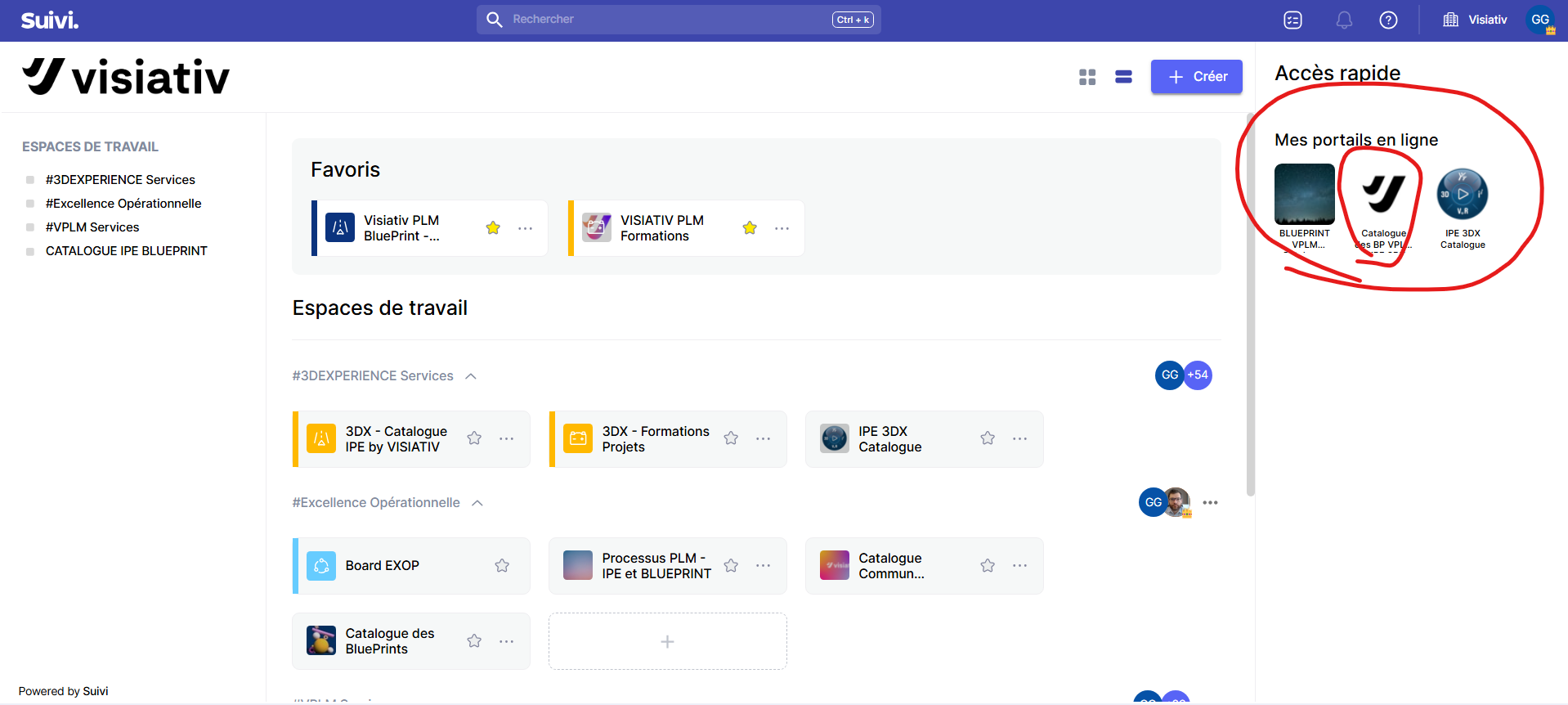
I would like to be able to change the tracking homepage to modify the portal I created, which is in “Quick Access”, as shown in the image.
Is this possible?
Thank you.
Hello,
I would like to be able to change the tracking homepage to modify the portal I created, which is in “Quick Access”, as shown in the image.
Is this possible?
Thank you.
Hello Gabriel,
The Suivi homepage is not customizable.
The quick access in the right pane allows you to open portals in “application” mode, in read-only.
To modify a portal, you need to launch it using the icon in the workspace, the central area of your page.
However, you have the option to activate the star on your portal to favorite it and find it at the top of your homepage.
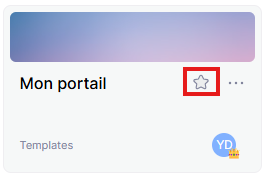
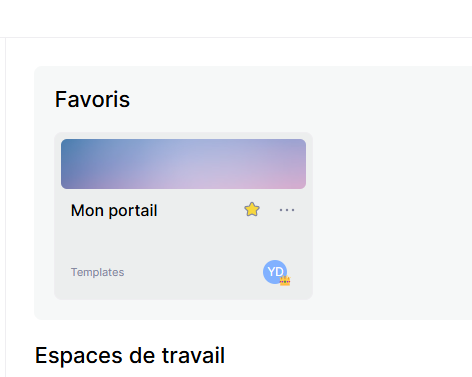
Or maybe I misunderstood your request and you created a portal but you don’t see it in the quick access at the top right…
If that’s the case, it’s because your portal is not activated. To do this, you have the “Start Portal” button at the top right when you are in your portal.
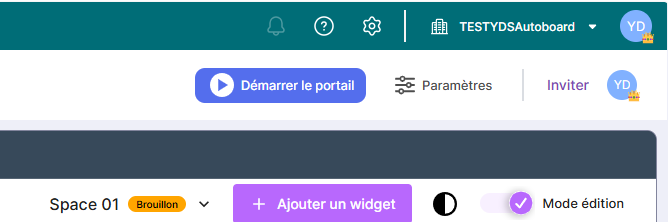
Once activated, you will find your portal in the quick access.
Hello,
Thank you for your reply.
Have a good day.