Hello,
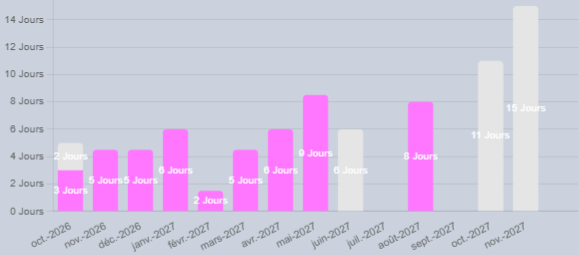
In my bar chart widget, the value appears in white and with the unit.
I find this hard to read and it also forces me to use a dark background color to make the value visible.
Would it be possible to:
- Choose the text color of the value
- Remove or choose whether we want to display the unit next to the value (knowing that it is visible next to the axes)
Hello Matthieu,
Text overlay colors are normally chosen automatically to complement background colors. But your example shows that there are limits to this exercise. We will look into this.
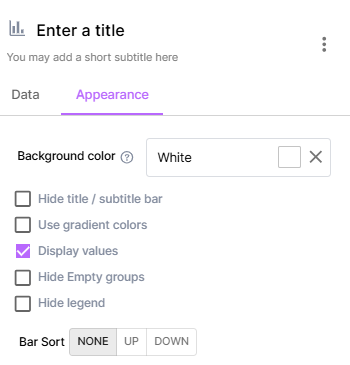
In addition, I confirm that widgets often, and especially true for histograms, offer the possibility to hide values. So you can avoid cluttering your display with this option.
Thank you very much for your feedback.
Thanks for the tip not to display the value, but on the contrary, I really want to have the value.
Sorry, I read a bit quickly. It’s the unit you want to hide, not the value.
I will turn this into an idea to allow more flexibility in the display. To be continued.