I créeated such a view with two levels of catagorise.
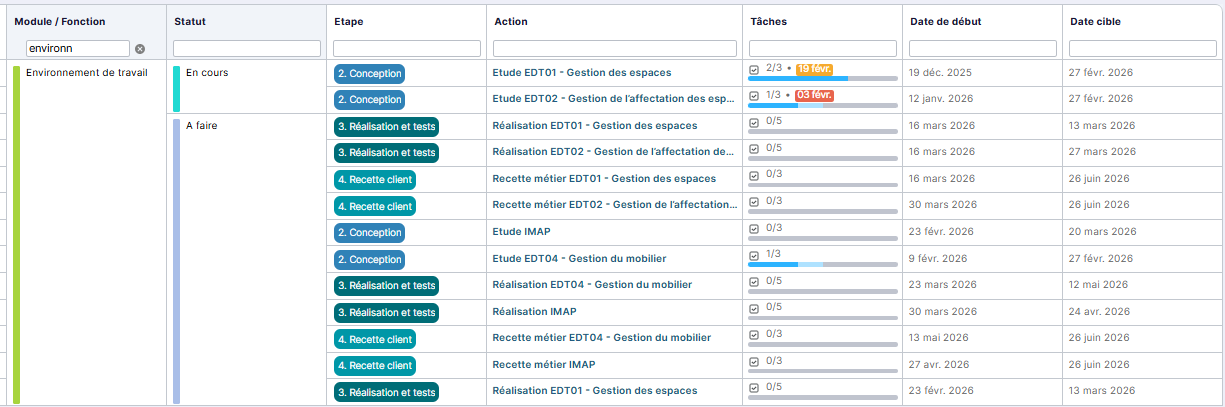
I can’t understand wich sort rules are applied in third and fourth columns. Seems there is none and I’m very sorry of that 
I créeated such a view with two levels of catagorise.
I can’t understand wich sort rules are applied in third and fourth columns. Seems there is none and I’m very sorry of that
Hello Joel,
Here is the table I started with to reproduce your board:
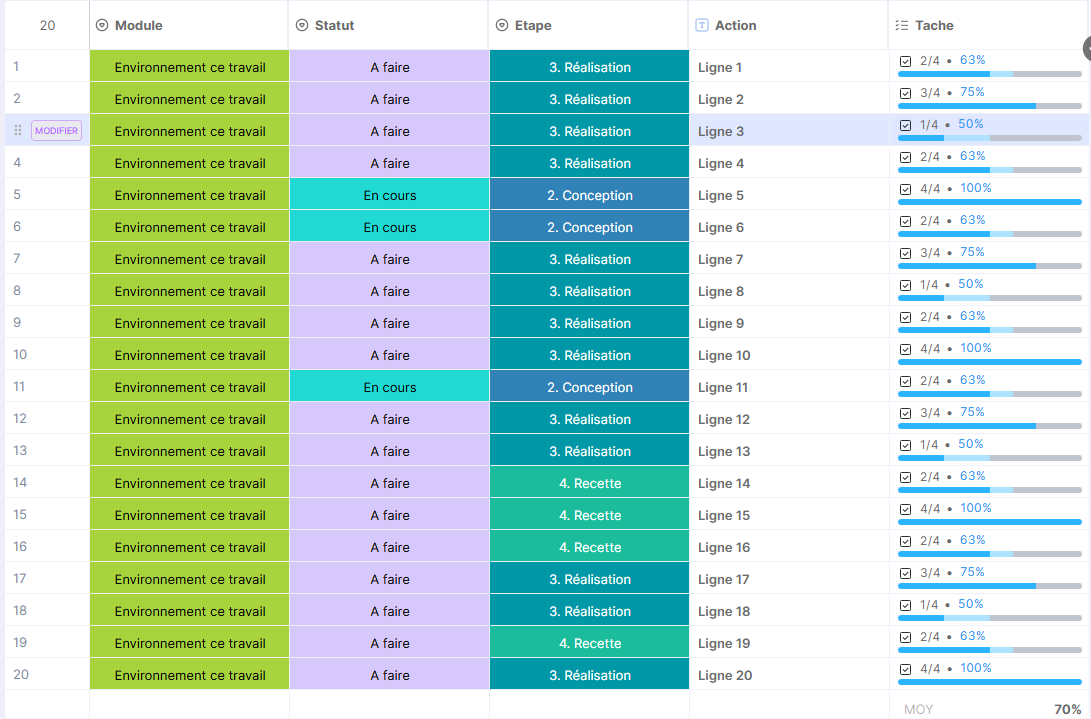
We can see that the Action column corresponds to the row number.
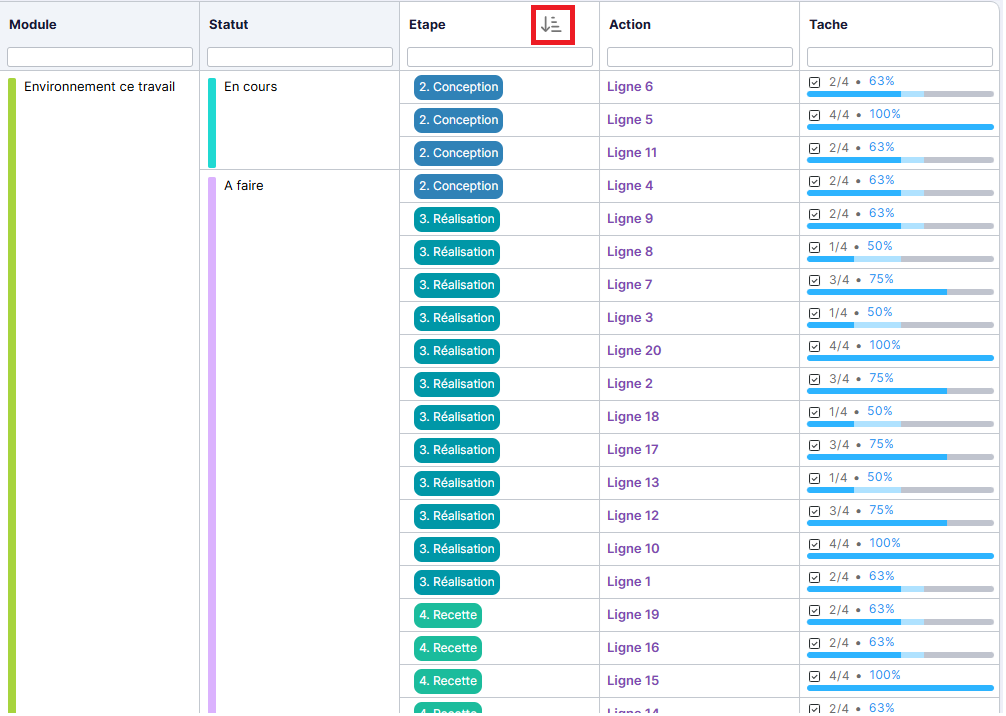
In the Summary Table view, I grouped by module then by status.
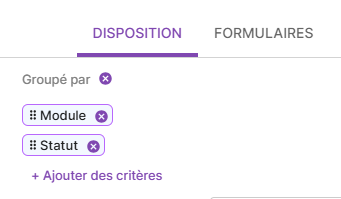
This allows me to have the same table as you.
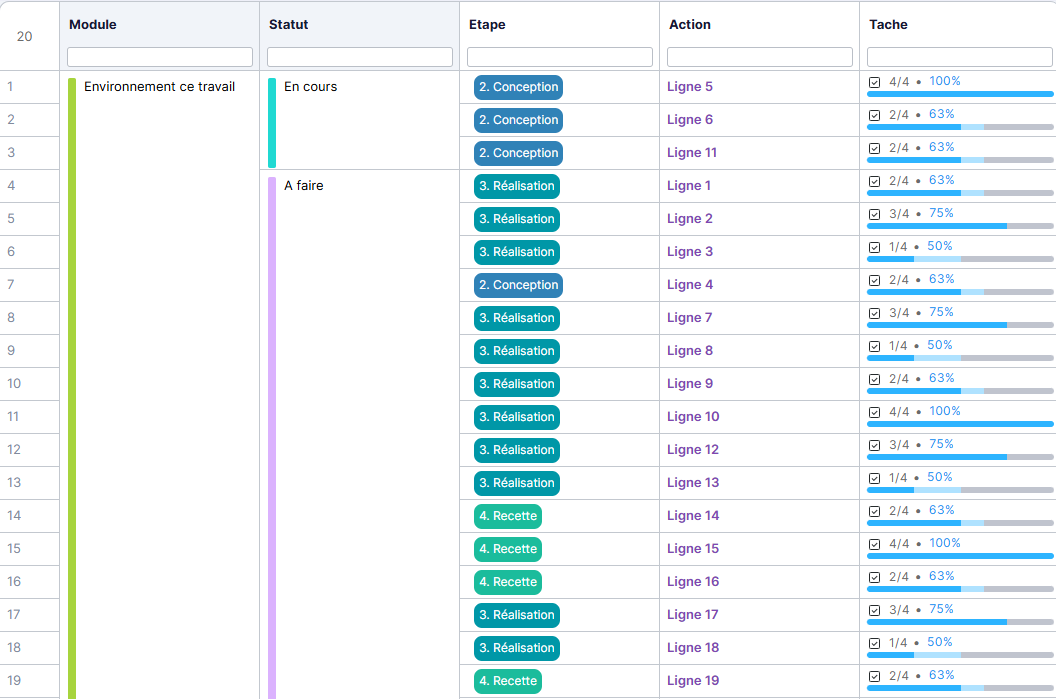
We can see that there is indeed no sorting on columns 3 and 4 and that, within the groupings, the order is the same as in the data table.
However, it is possible to apply column sorting to this view by clicking on the column headers.
Regarding columns with a grouping, it is the order of the choice list that defines the order in the Summary Table.
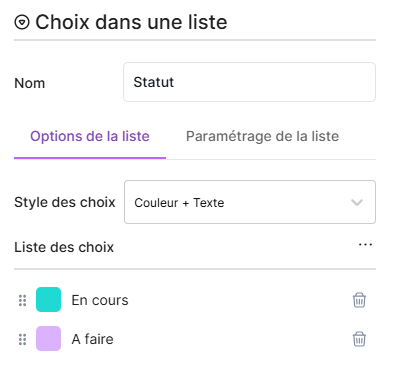
Gives
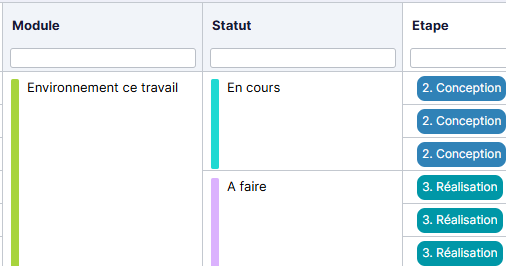
And
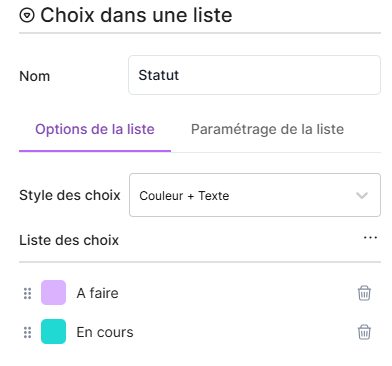
Gives
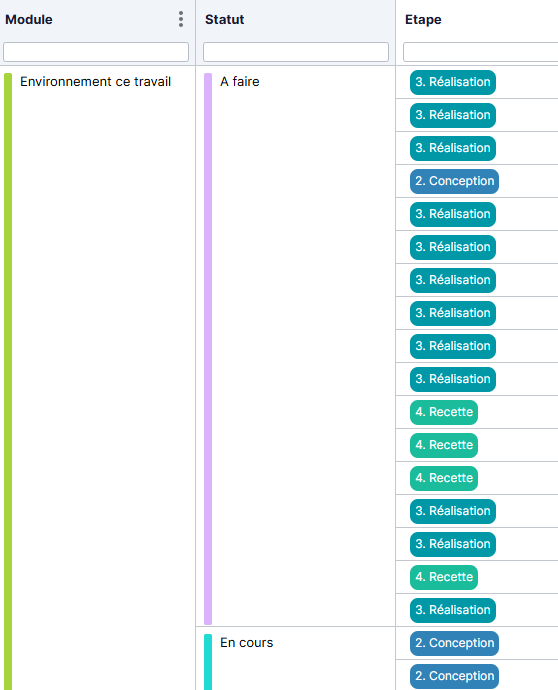
Ok, I tested and it works fine. This means I have to add a number to start each item in column 3, because alphabetical order is not convinient for my need.
Another question : if I add this sort on column 3, will it remain used for my next connection ? And is it personal or is it also applied to other users ?
I just tested, the sorting is personal and is not retained for your next login.
Would adding a grouping by step suit your needs?
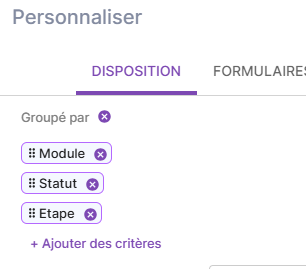
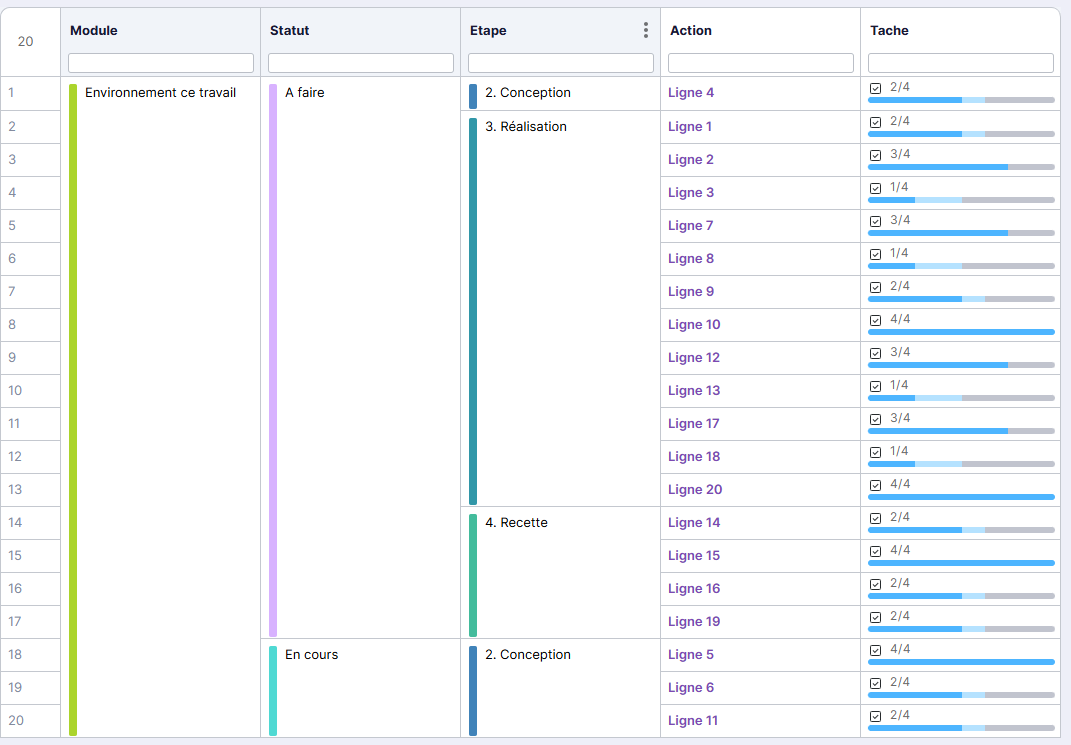
Furthermore, there’s no longer a need to add a number because the order in the selection list determines the order of the table.
Nice idea ! I will test and tune it.